Personal Project
2024

Overview
Team
Personal Project
Challenge
Reimagining the X app for an XR environment required addressing the limitations of 2D design while ensuring seamless interaction across mixed realities.
Opportunity
Leveraging the Vision Pro's advanced features offered the chance to create an immersive, intuitive social media experience, redefining user interaction in AR/VR.
DESIGN Process
01
initial problem discovery
foundational research
02
sketching
03
wireframing
final design
prototype
04
revisions
05
RESEARCH
INITIAL PROBLEM DISCOVERY
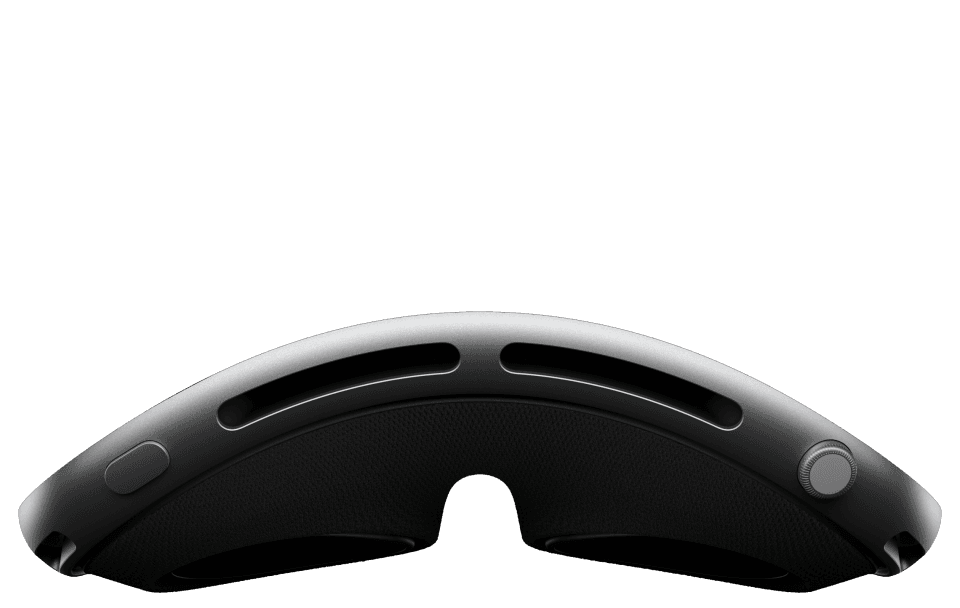

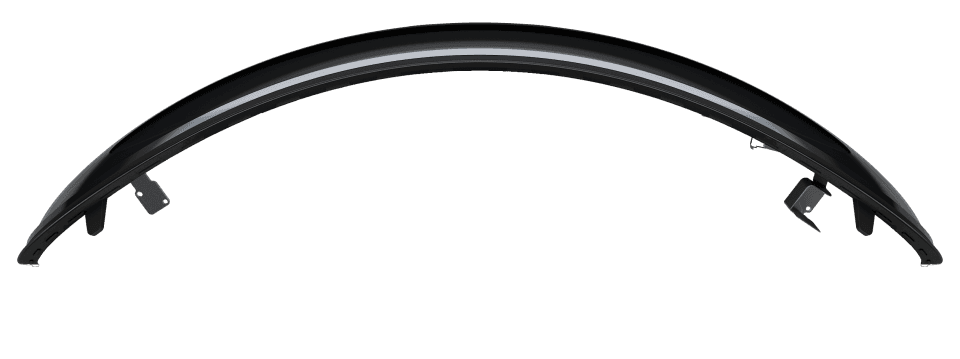


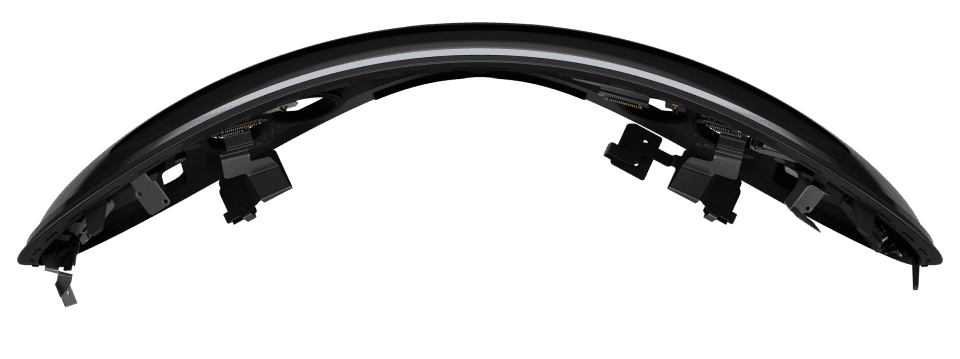

I delved into Apple's spatial design principles and, drawing on 8 years of experience with the Twitter app (now X), explored reimagining it for the Vision Pro’s immersive XR environment.
FOUNDATIONAL RESEARCH
I started by reviewing Apple’s Spatial Design principles and ensured the UI I designed adhered to the following guidelines.
FAMILIARITY
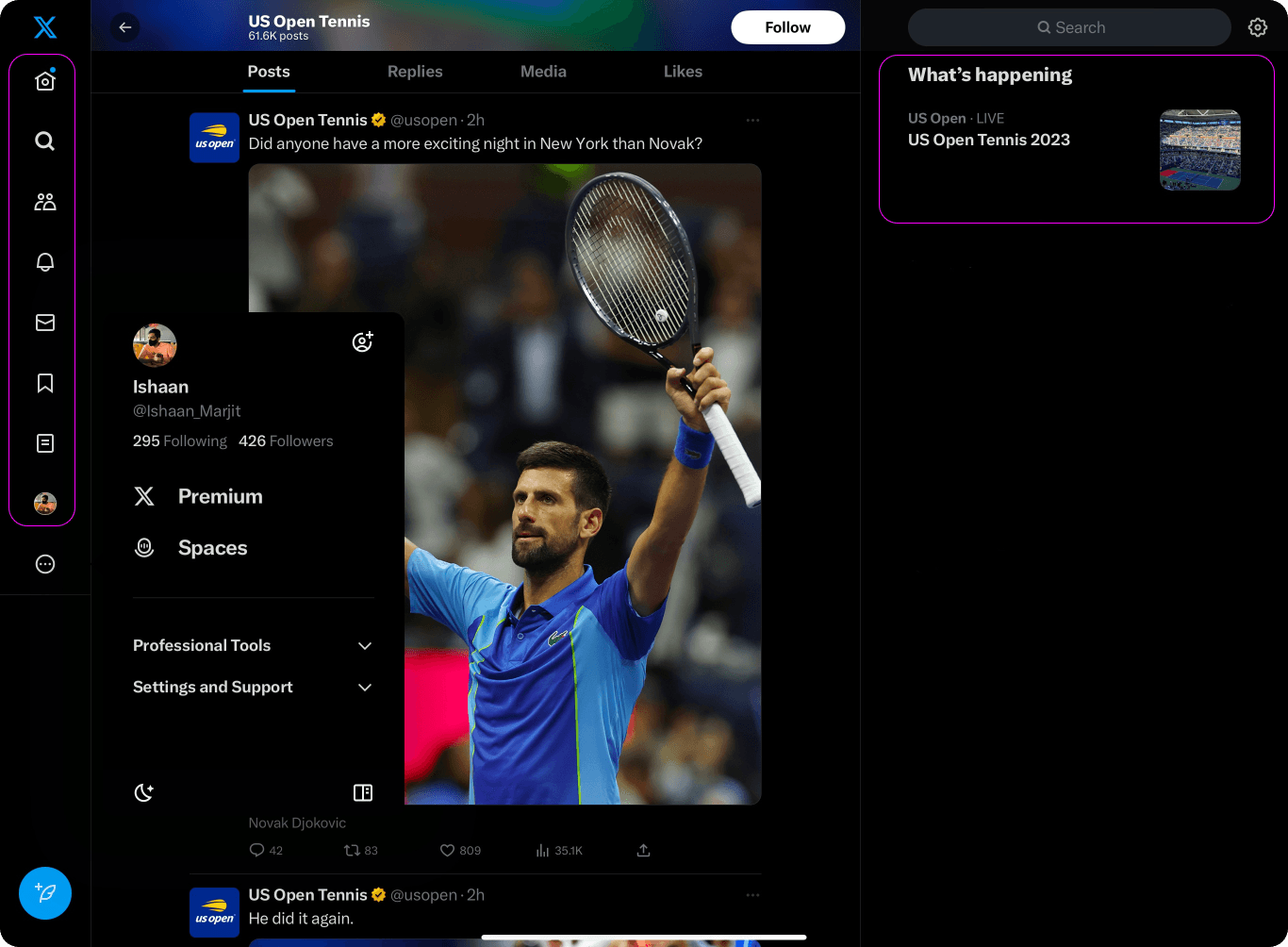
I incorporated the familiarity principle by retaining key elements like the sidebar, bookmarks, and the trending page, ensuring users could easily locate familiar features within the UI.
HUMAN CENTERED
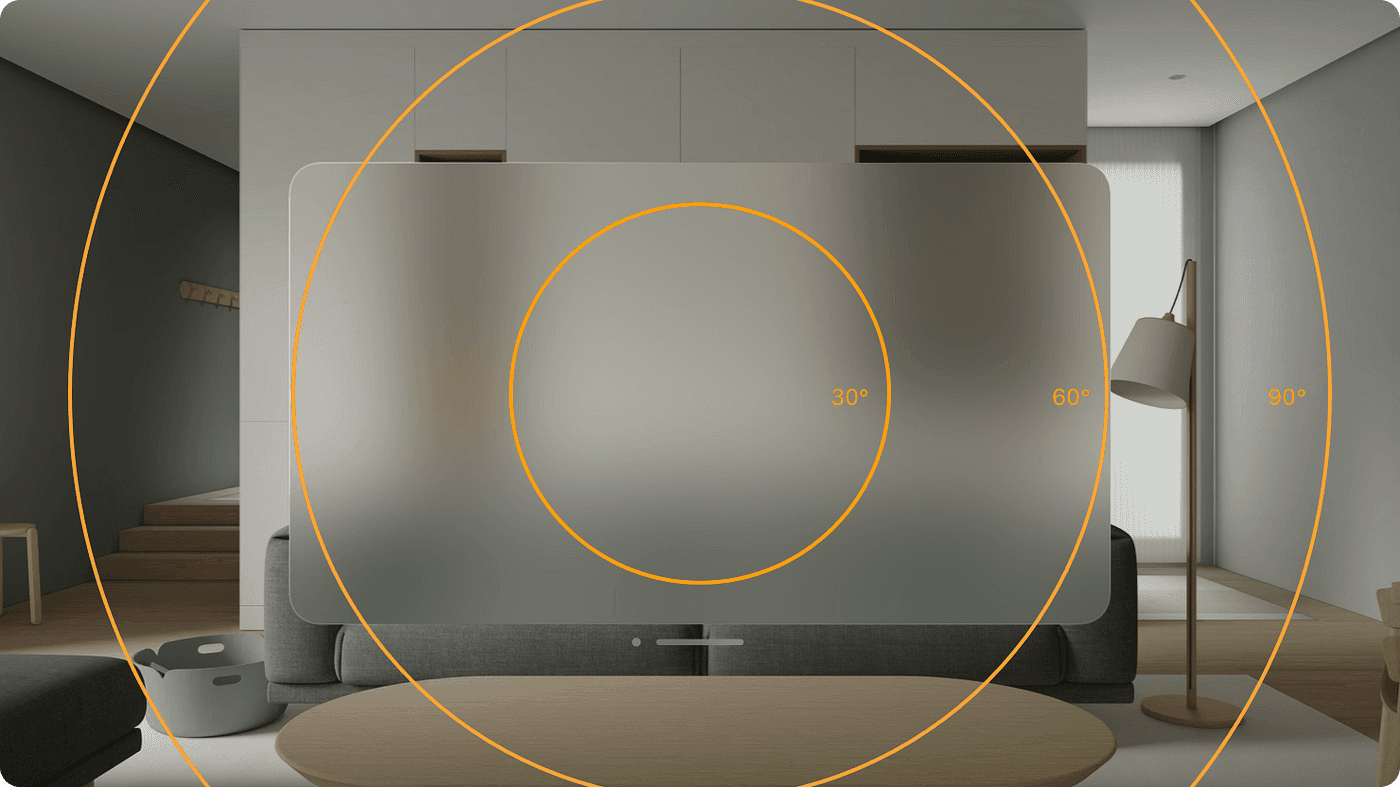
During the design process of the Twitter app, considering the user's field of view (FOV) was paramount. Placing essential content at the center was a priority, aligning with how people naturally focus. The use of a landscape layout was essential, given our wide FOV.
dimensional
People rely on visual cues like distance, occlusion, and shadow to perceive depth and make sense of their surroundings. I decided to incorporate this into the X experience to ensure that content was presented in a manner that felt in scale to the viewer's perspective.
IMMERSIVE
Spatial UI offers a range of immersion levels, allowing users to experience X in diverse ways. The degree of immersion is significantly influenced by how well the interface integrates with and maintains visibility of the user’s physical surroundings.
ideation
sketching
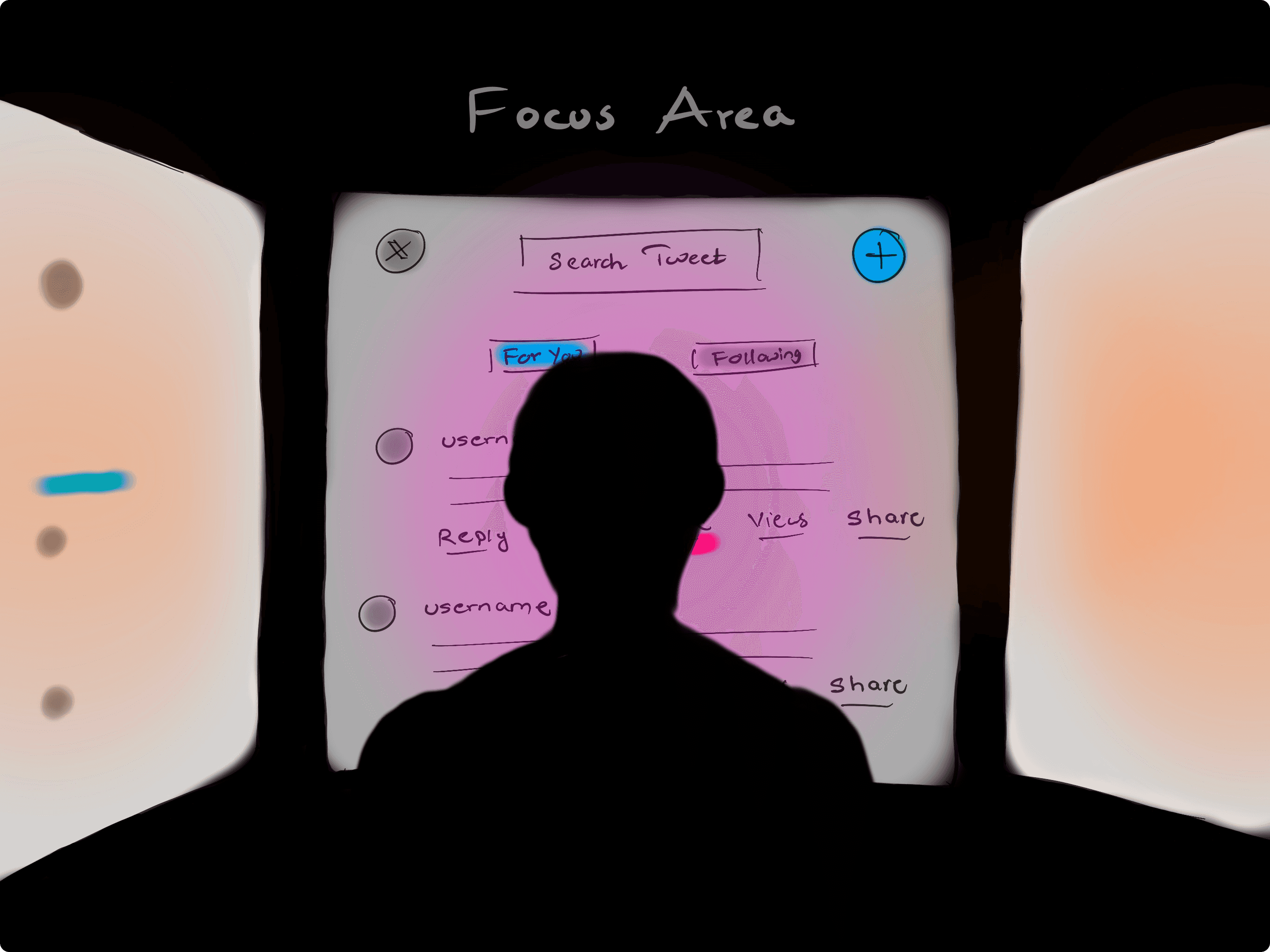
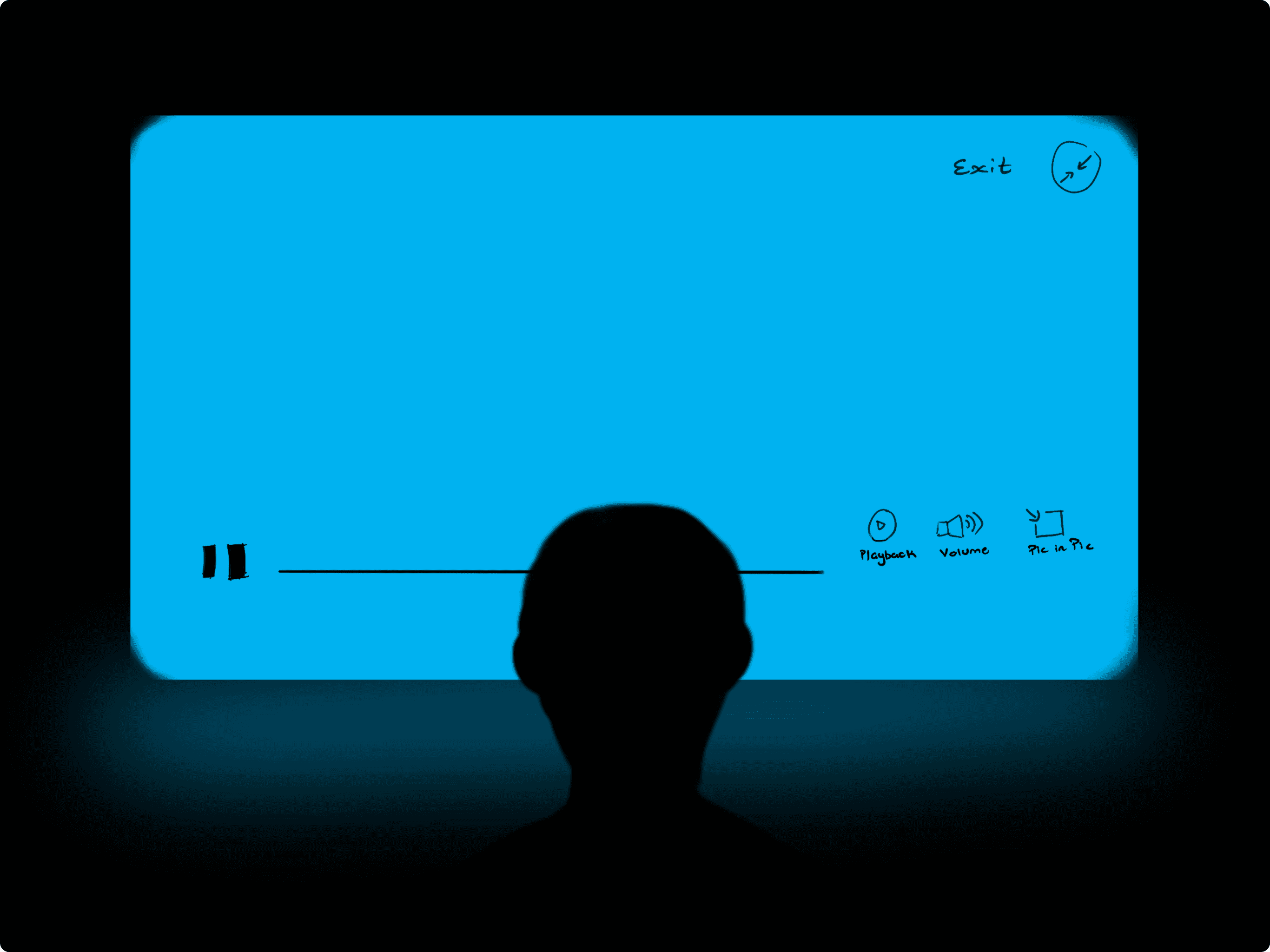
I began sketching ideas based on the spatial design principles I had studied, focusing on adapting familiar interface elements to an immersive XR environment.
design
wireframing
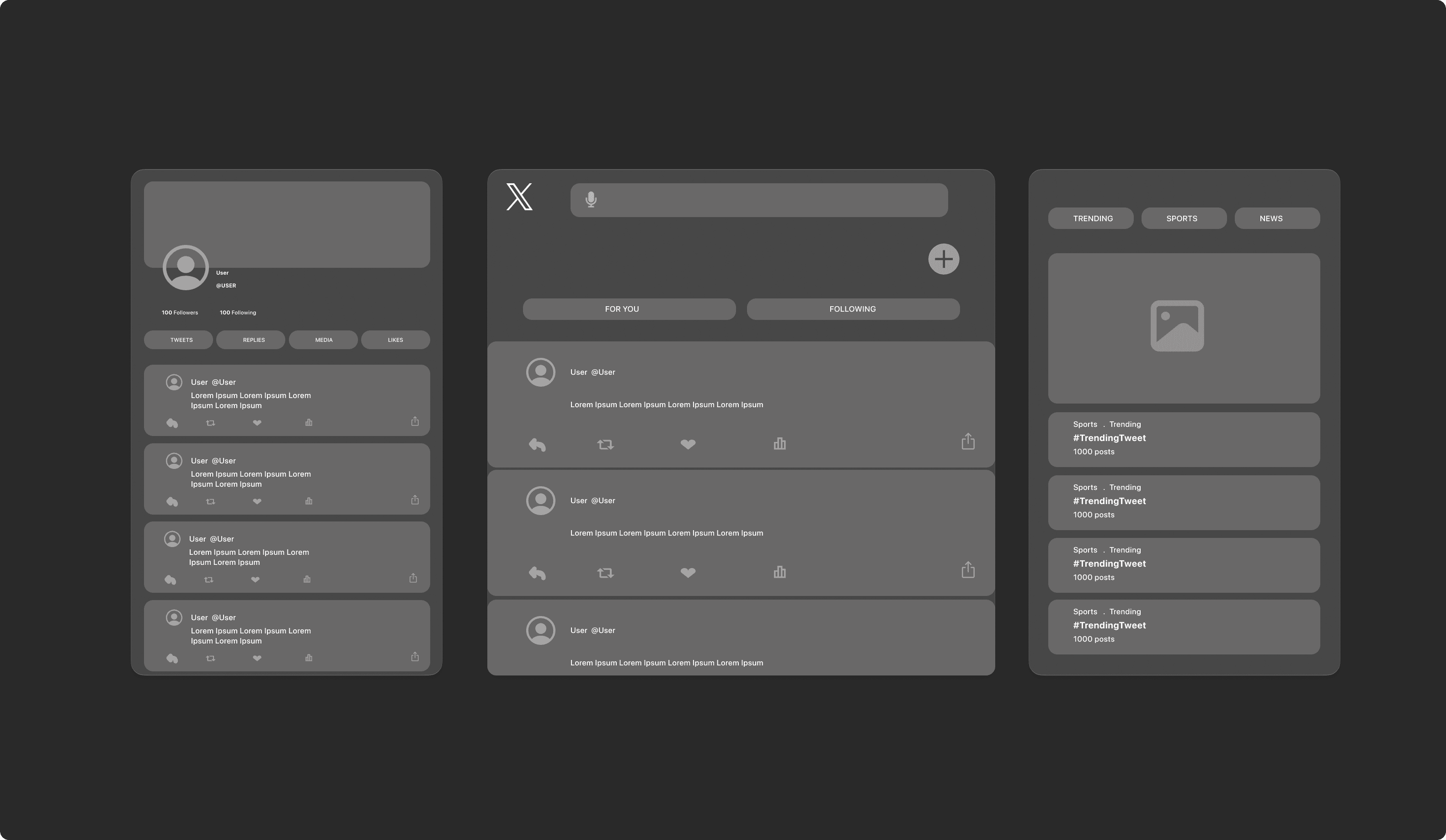
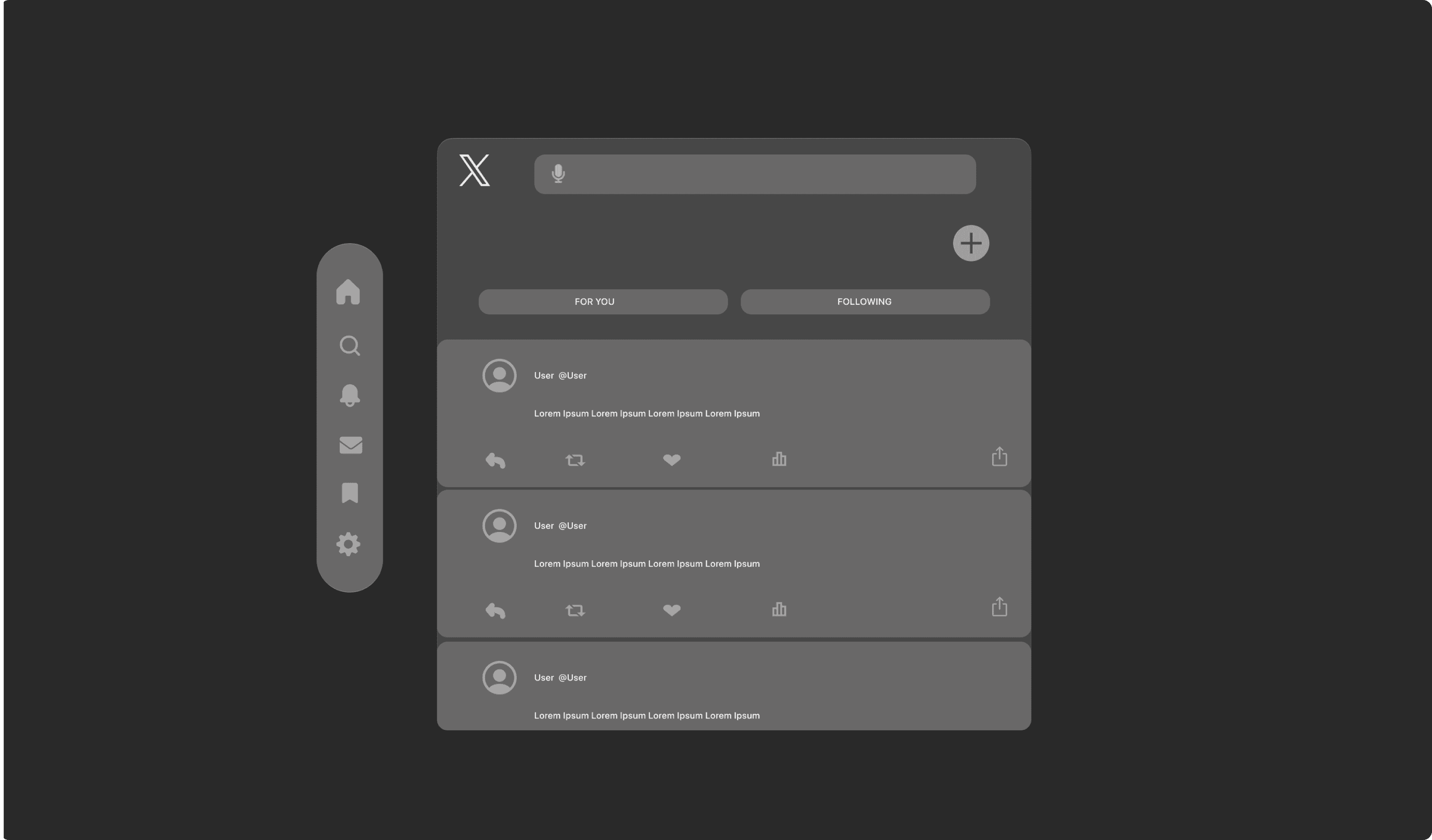
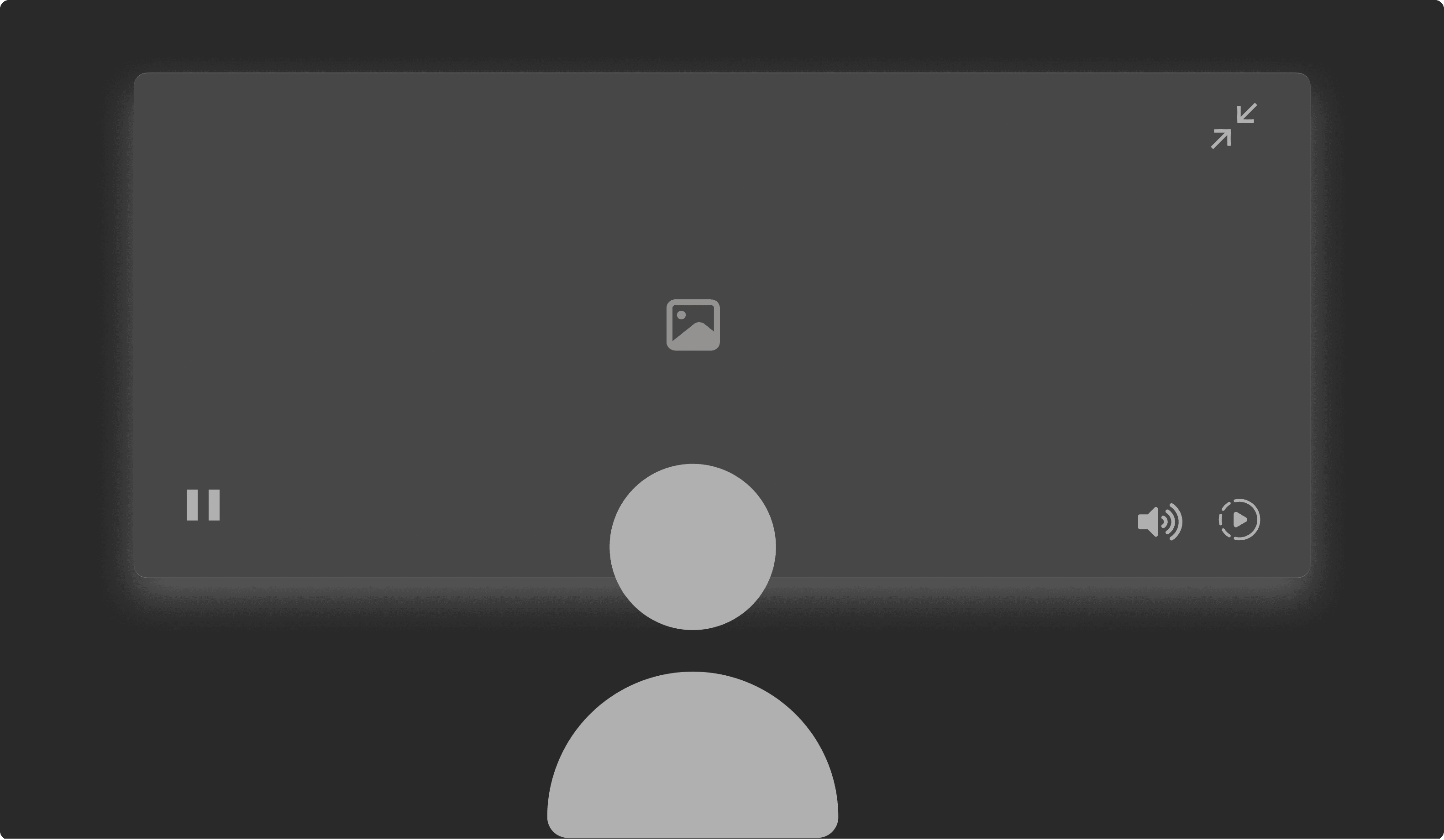
We built on the information architecture to create wireframes for the Digital Canvas project, defining its structure and focusing on intuitive navigation and functionality.
final design
HOME SCREEN
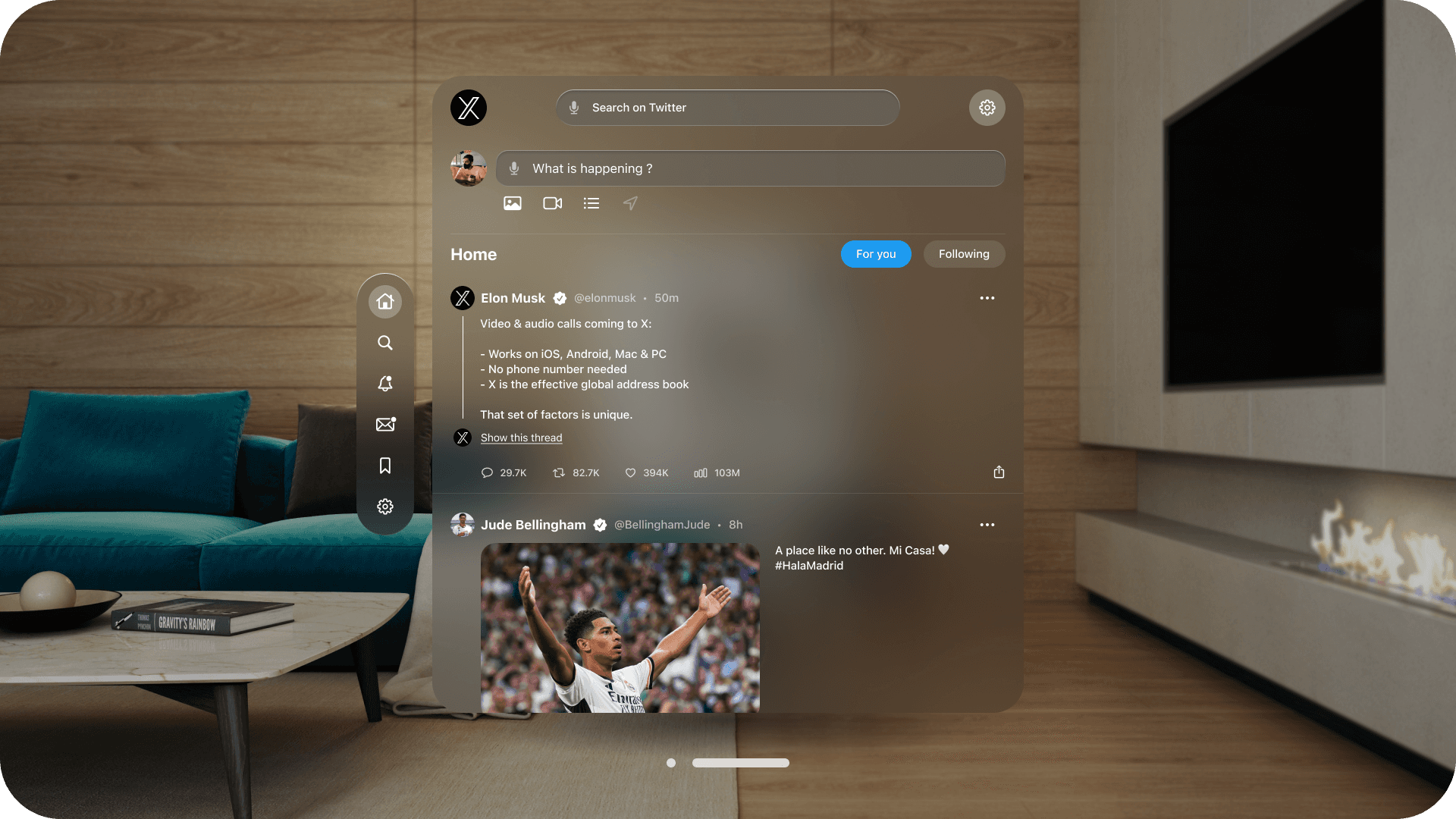
The home screen presents "For You" and "Following" feeds side by side, with familiar elements like the sidebar and trending topics for seamless navigation in the spatial environment.
home screen - expanded
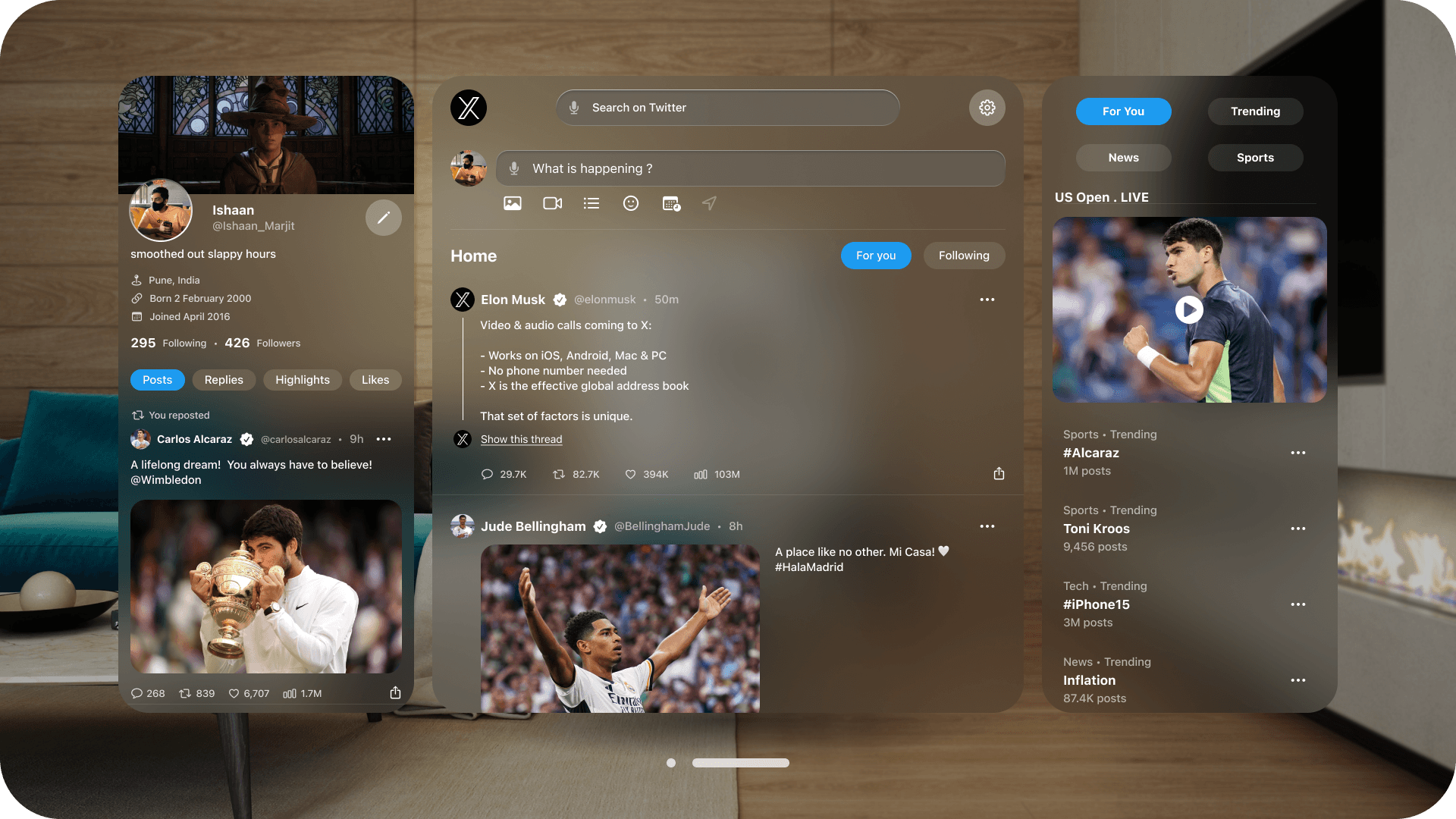
The expanded home screen features a sidebar showcasing your profile and the trending page, providing quick access to personalized content and real-time topics for seamless navigation.
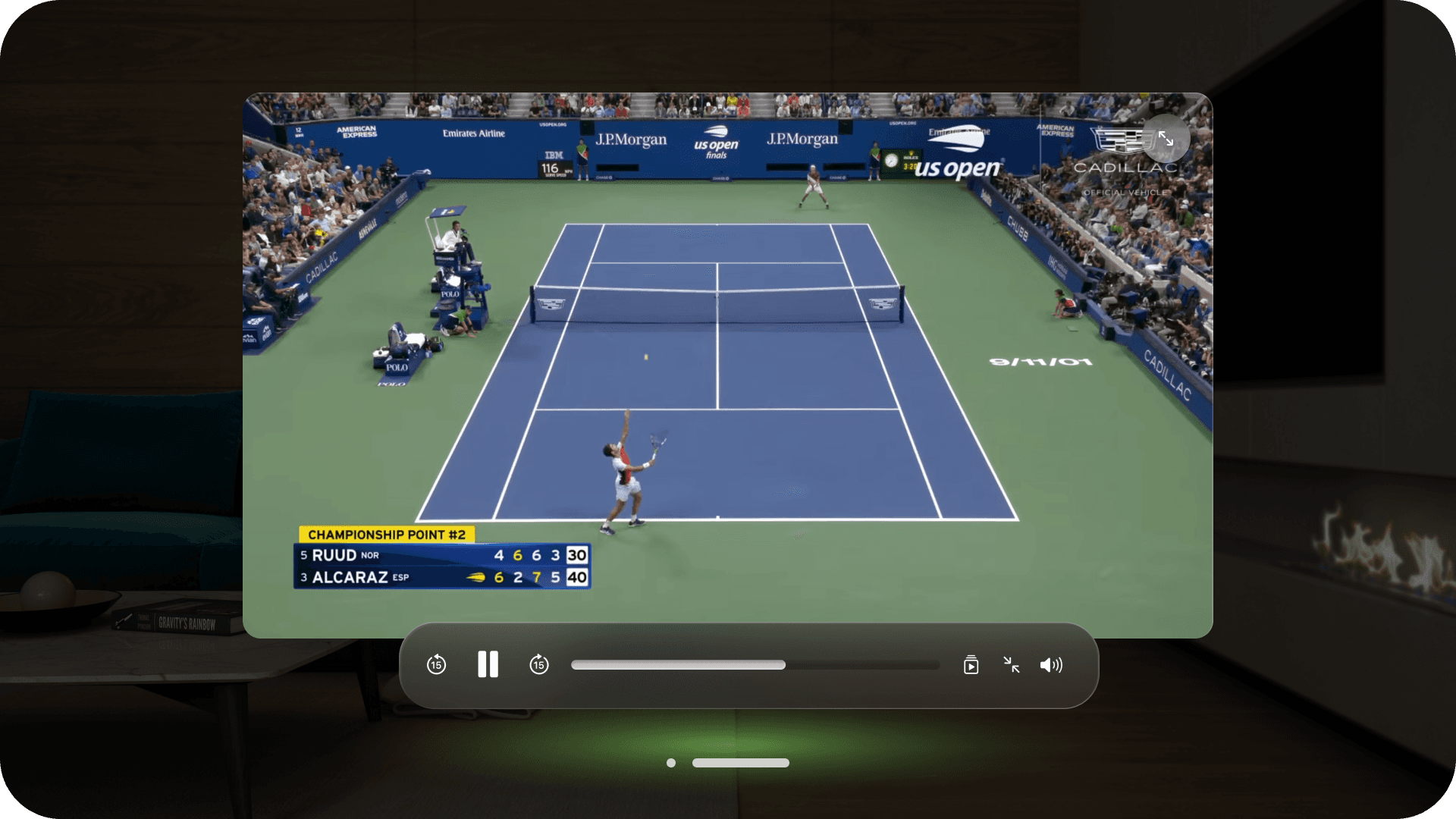
immersive playback
The immersive playback screen applies the immersive principle, focusing on the video in a distraction-free environment with intuitively placed controls for seamless engagement.
PROTOTYPE
X Reimagined.
refine
further revisions
I made further revisions by replacing the default input field on the home page with a "Write a Post" button, simplifying the interface while ensuring quick access to the posting feature.
I iterated upon the design by incorporating a dark mode option, enhancing visual comfort in low-light environments while maintaining accessibility and readability.
reflections
This project highlighted the importance of understanding spatial design principles in creating immersive user experiences. By iterating on familiar elements like the sidebar and adapting them to an XR environment, I learned how to balance innovation with usability. It reinforced my confidence in designing intuitive interfaces that align with user needs.